
Image & video mode
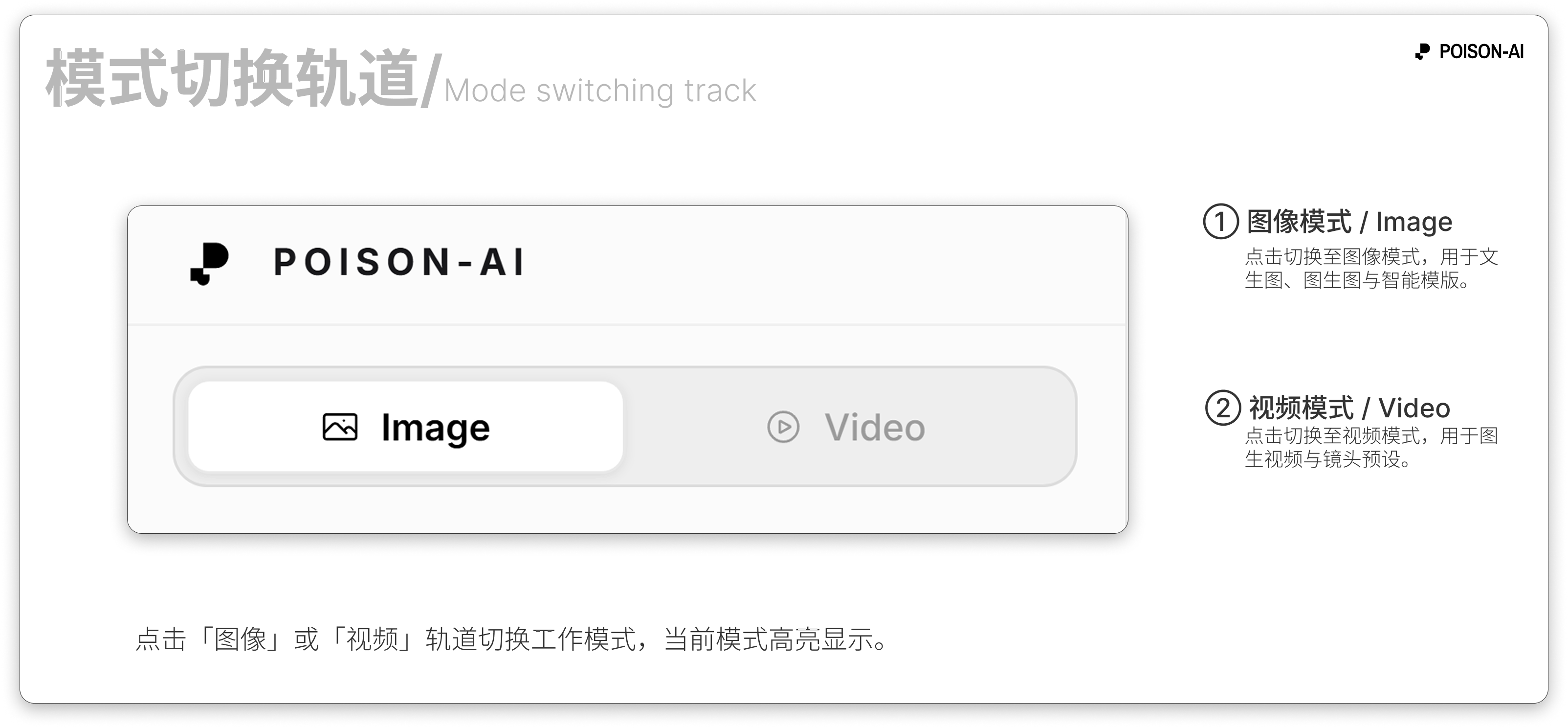
At the top-left of the page, Image and Video tabs let you switch the current workspace mode.
- Image mode — For generating static images. You can do text-to-image, image-to-image, use 12 Smart Templates (Evolution, Blend, Style Reference, etc.), and set resolution, aspect ratio, and model. Results appear on the right canvas as single or grid images.
- Video mode — For generating short videos (currently ~8 seconds). You can enter a text description, choose lens motion presets (e.g. dolly, pan, orbit), and optionally upload a start image for image-to-video. Resolution is 720p or 1080p; aspect ratio 16:9 or 9:16. When done, the video appears on the canvas for play, download, or further actions.
Both modes share the same account and credits; switch tabs to change between image and video without refreshing.