
Reference images & image-to-image
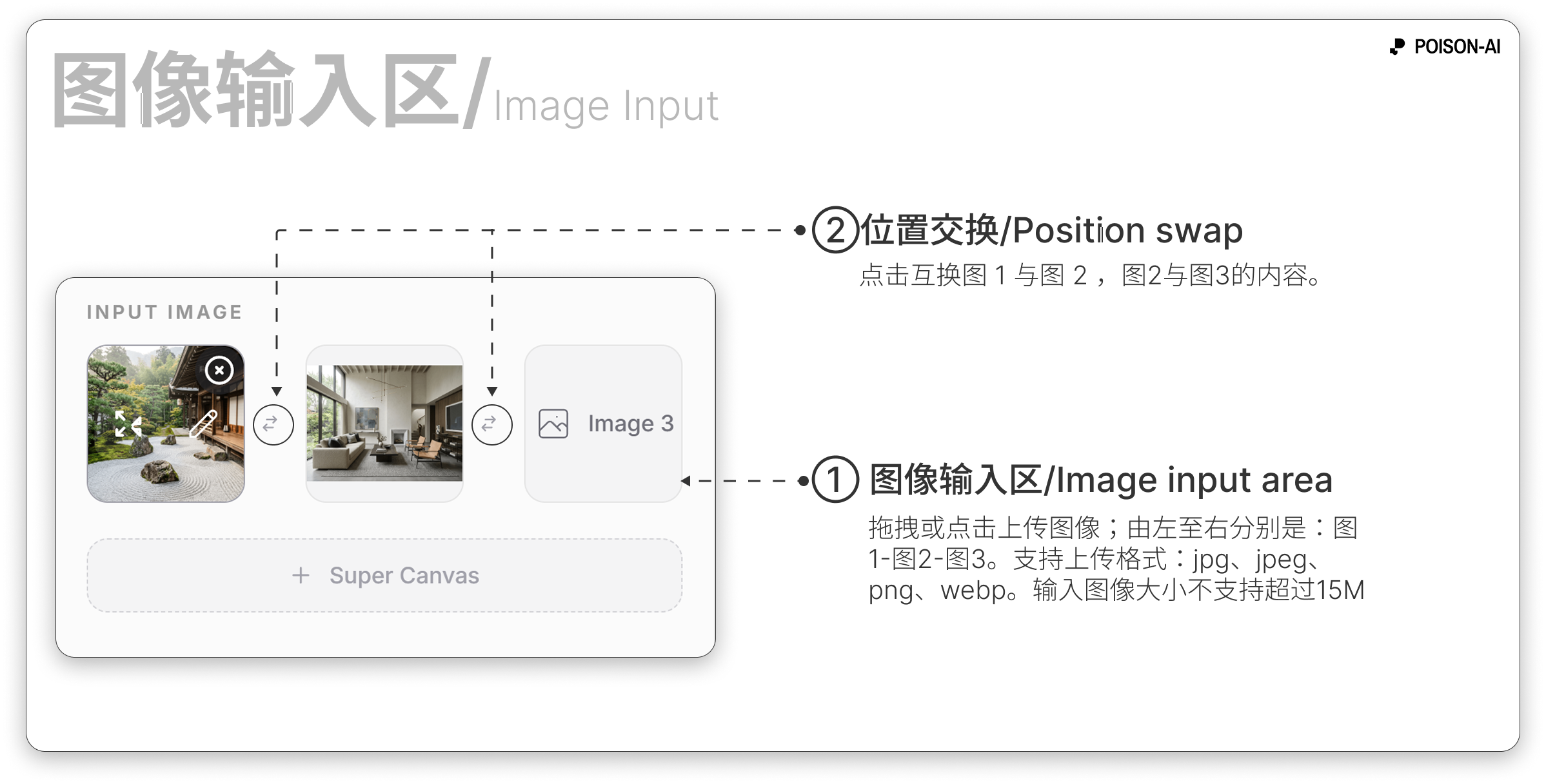
For image-to-image or two-image Smart Templates, upload images in the Image 1 / Image 2 slots. Click Edit on a slot to paint, crop, or add text before using the image.
- Max 15MB per image; drag into the upload area or click to choose a file.
- In image-to-image mode, the prompt can be empty or short. For two-image templates (e.g. Style Reference, Blend), upload the number of images the template expects.