
Credits & billing rules
Credits are used for pay-per-use; each action consumes a different amount. Below is a plain-language overview.
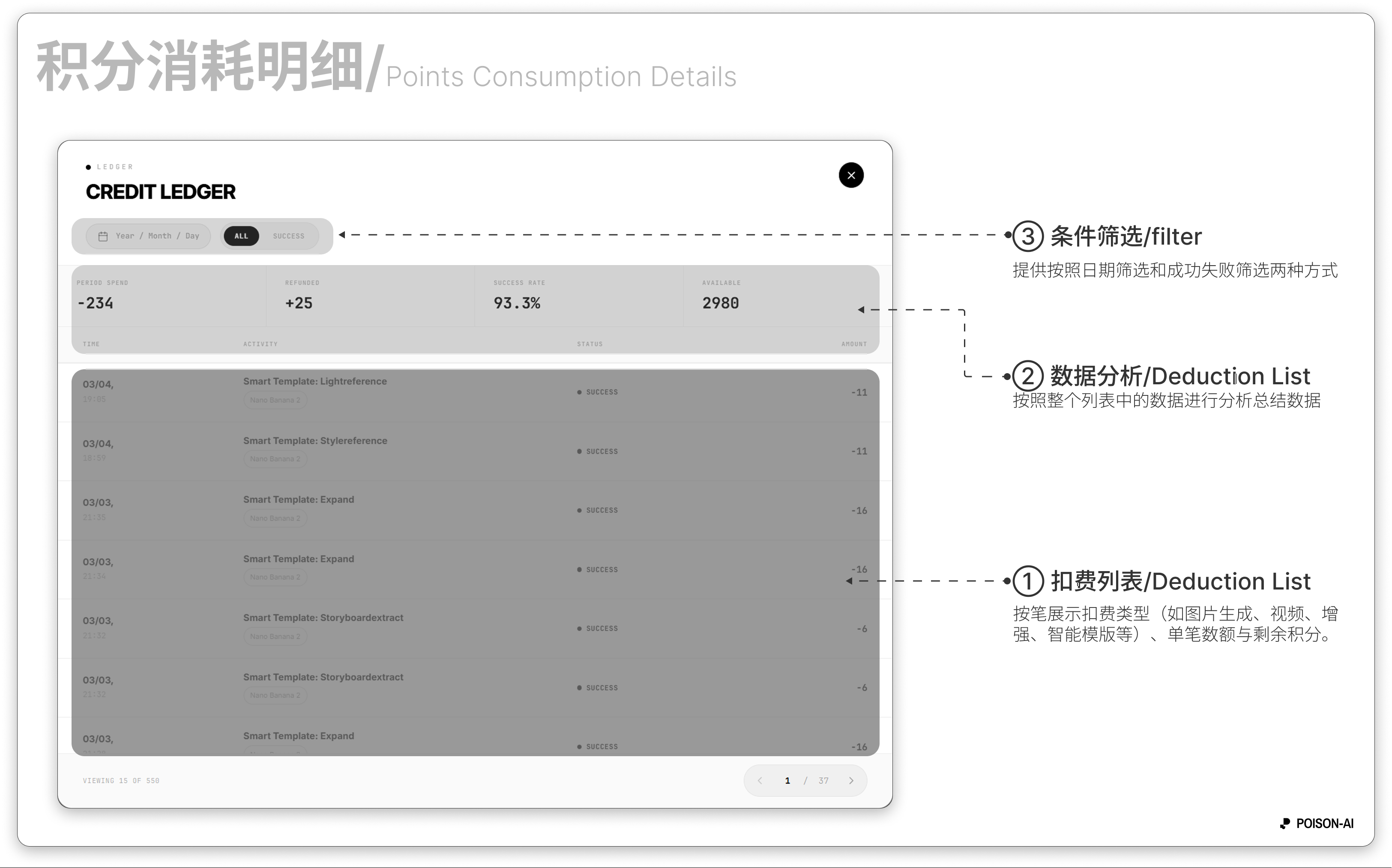
Image generation — base credits The base credits for each image depend on the image model, resolution, and quality. The current open GPT Image range is 1K / 2K × Low / Medium, with a model-specific matrix for each model.
| Model | 1K Low | 1K Medium | 2K Low | 2K Medium |
|---|---|---|---|---|
| gpt-image-2 | 10 | 20 | 15 | 25 |
| gpt-image-2.5-flare | 8 | 12 | 10 | 20 |
| gpt-image-2.5-sunburst | 8 | 12 | 10 | 20 |
This GPT Image pricing update covers the 1K / 2K Low / Medium tiers. High and 4K are not in the current open range.
Other image models use their own model and resolution pricing rules.
LightReference is a separate lighting-editing feature. It does not use the sidebar GPT quality setting or the GPT Image quality matrix.
Smart Template premium
Using any of the 12 Smart Templates adds a template fee on top of the base credits:
- Some advanced templates (e.g. Blend, Storyboard, Expand, Perspective, Render, Evolution) add about 10 credits per image;
- Other Smart Templates add about 5 credits per image.
Simply “extracting a single cell” from a storyboard or expand result does not add a template fee.
Prompt enhancement
If you use the Smart Assistant to optimize your prompt and then generate from that optimized text, 1 extra credit is charged.
Other actions
- Video (~8 s): 90 credits per generation.
- Repair: 20 credits per run.
- Enhance (upscale): 4K / 6K / 8K about 15 / 20 / 25 credits each per run; if the image already meets or exceeds that resolution, that tier is unavailable.
Rules and amounts may change; check the in-app Credits usage and pricing pages for current details.